
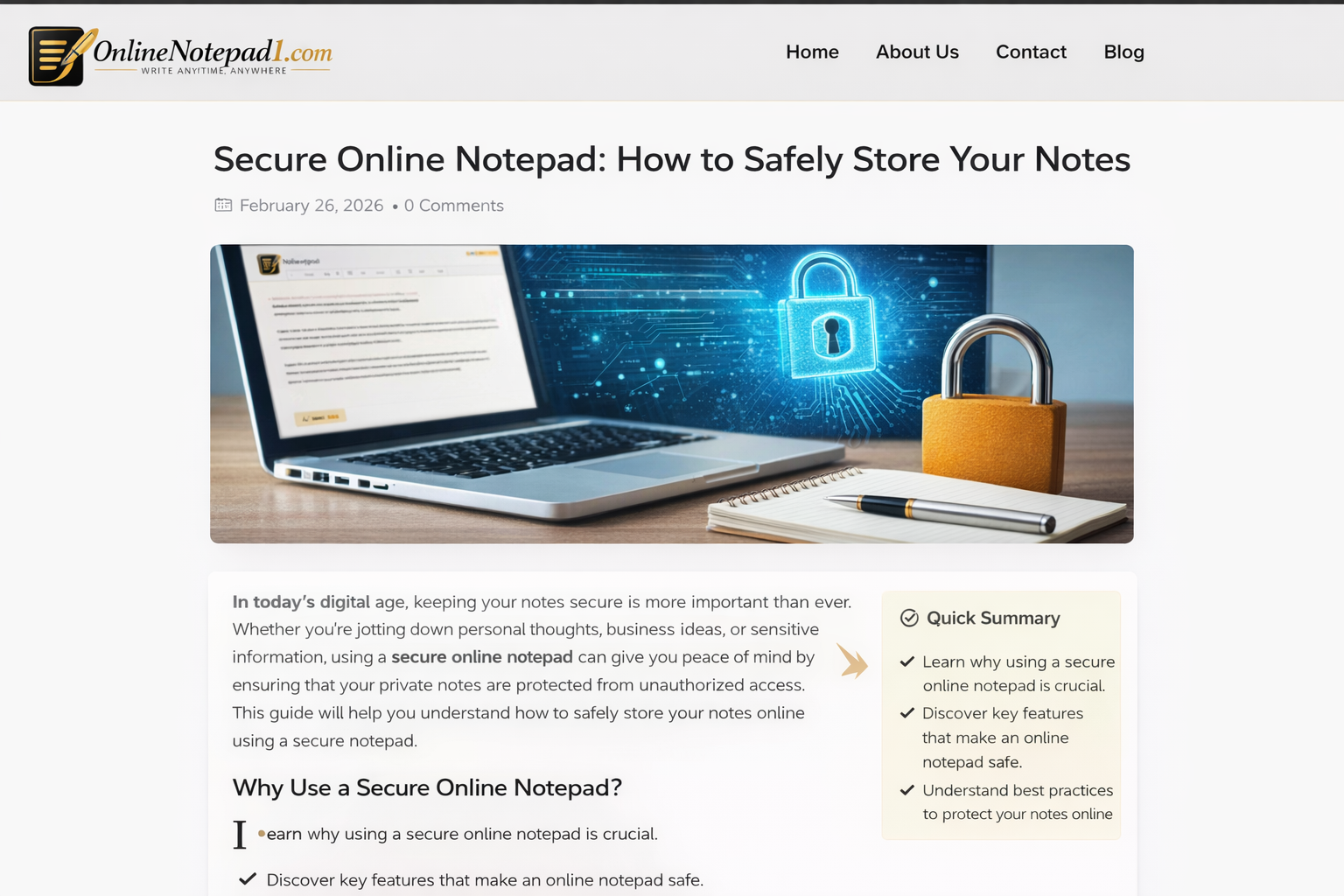
A secure online notepad lets you create, edit, and save notes in your browser without compromising privacy or speed. Unlike traditional apps that upload your data to servers, secure notepads store text safely, often without login or account requirements. These tools make it easy to write and keep information private, whether for quick reminders or important personal notes.
What Is a Secure Online Notepad?
A secure online notepad is a web-based tool that allows users to type and save plain text securely, often using built-in safeguards such as local encrypted storage, password protection, or HTTPS connections to prevent unauthorized access. Many secure notepads do not require registration, keeping your data closer to you and minimizing tracking.
Key Features of Secure Online Notepad Tools
A reliable secure online notepad should include multiple protections and conveniences for users. Below is a table summarizing important features and what they mean:
| Feature | Description | Benefit |
|---|---|---|
| HTTPS Encryption | Uses secure protocols to protect data while in transit | Prevents eavesdropping |
| Local Storage | Saves your text in browser memory instead of servers | Keeps data private |
| Autosave | Automatically saves content as you type | Reduces risk of loss |
| No Login Required | Lets you start writing instantly | Protects identity |
| Clean Interface | Minimal distraction while writing | Better focus |
| Download/Export | Lets you download notes as text files | Offline access |
How Secure Online Notepads Work
Most secure online notepad tools use either local browser storage or password-protected pages to keep your text secure. Storage in your browser means notes are saved on your device only and are not sent to external servers, offering more privacy than typical cloud-based editors. Some enhanced tools add password protection so only people with the right passphrase can view encrypted notes.
Benefits of Using a Secure Online Notepad
Secure notepad tools are ideal for users who want a fast and privacy-focused environment for writing without distractions. Students may use them for class notes, professionals for reminders, and everyday users for personal thoughts. Since many tools store text locally or use encryption, there’s less risk of unwanted data access when compared to traditional note-taking apps.
Security Tips for Writing Online
Even with a secure tool, certain best practices help protect your notes further:
- Avoid writing full passwords or sensitive credentials in plain text.
- Use private browsing if working on shared devices.
- Export important notes to your local device as backups.
- Ensure you are on an HTTPS connection before typing personal data.
These habits complement the tool’s built-in protections and help minimize exposure to potential privacy risks.
Who Should Use a Secure Notepad?
Secure online notepads benefit a wide range of users, including:
- Students preserving study notes without accounts
- Writers creating drafts quickly
- Professionals taking meeting notes on the fly
- Anyone who values privacy and speed over complex features
These tools help users capture ideas instantly without unnecessary friction.
Final Thoughts
Choosing a secure online notepad makes it simple to keep your notes safe and accessible. With features like encrypted connections, local storage, autosave, and a clean interface, these tools strike a balance between privacy and convenience. Whether you need a fast writing space for ideas or want a private place to jot personal notes, a secure online notepad offers a dependable solution.