In today’s fast-paced world, we all need a simple text editing tool. With more people working remotely and using different devices, a free online notepad is key. It’s a must-have for staying productive.
Having a reliable online text editor is crucial. It’s perfect for quick notes or detailed documents. Our Online Notepad is your top choice. It’s easy to use on any device, making it a vital part of your digital tools.
Key Takeaways
- Access your notes from anywhere with our free online notepad.
- Seamlessly switch between devices without losing your work.
- Utilize our online text editor for a variety of tasks, from note-taking to document drafting.
- Enjoy the convenience of a web-based notepad that requires no downloads or installations.
- Benefit from a simple, intuitive interface that enhances your productivity.
The Digital Note-Taking Revolution of 2026
The year 2026 is a big moment for digital note-taking. Technology is getting better, and our note-taking tools are changing fast.
How we make and manage notes is changing a lot. This is because we need tools that are easier to use and more flexible.
How Text Editors Have Evolved Since 2023
Since 2023, text editors have gotten a lot better. Now, they have cool features like working together in real time and AI suggestions. They also have better security.
These updates have made working with digital text easier and more fun. It’s now more efficient and easy to use.
The Rise of Browser-Based Writing Tools
Browser-based writing tools are getting more popular. You can use them right in your web browser without downloading anything. This makes it easy to write notes online from anywhere.
The growth of browser-based writing tools is changing how we take notes. The future of note-taking is in the cloud. Online tools let us access our notes easily on any device.
Why Our Online Notepad Stands Out in 2026
In 2026, our online notepad shines with special features for today’s users.
No-Signup, No-Login Experience
We offer a smooth experience without needing to sign up or log in. It’s ready for you right away.
The Freedom of Anonymous Writing
Write without worry, as you don’t need an account. Your thoughts stay private.
Instant Access Across Devices
Access your notepad from any device. Write down ideas whenever they come to you.
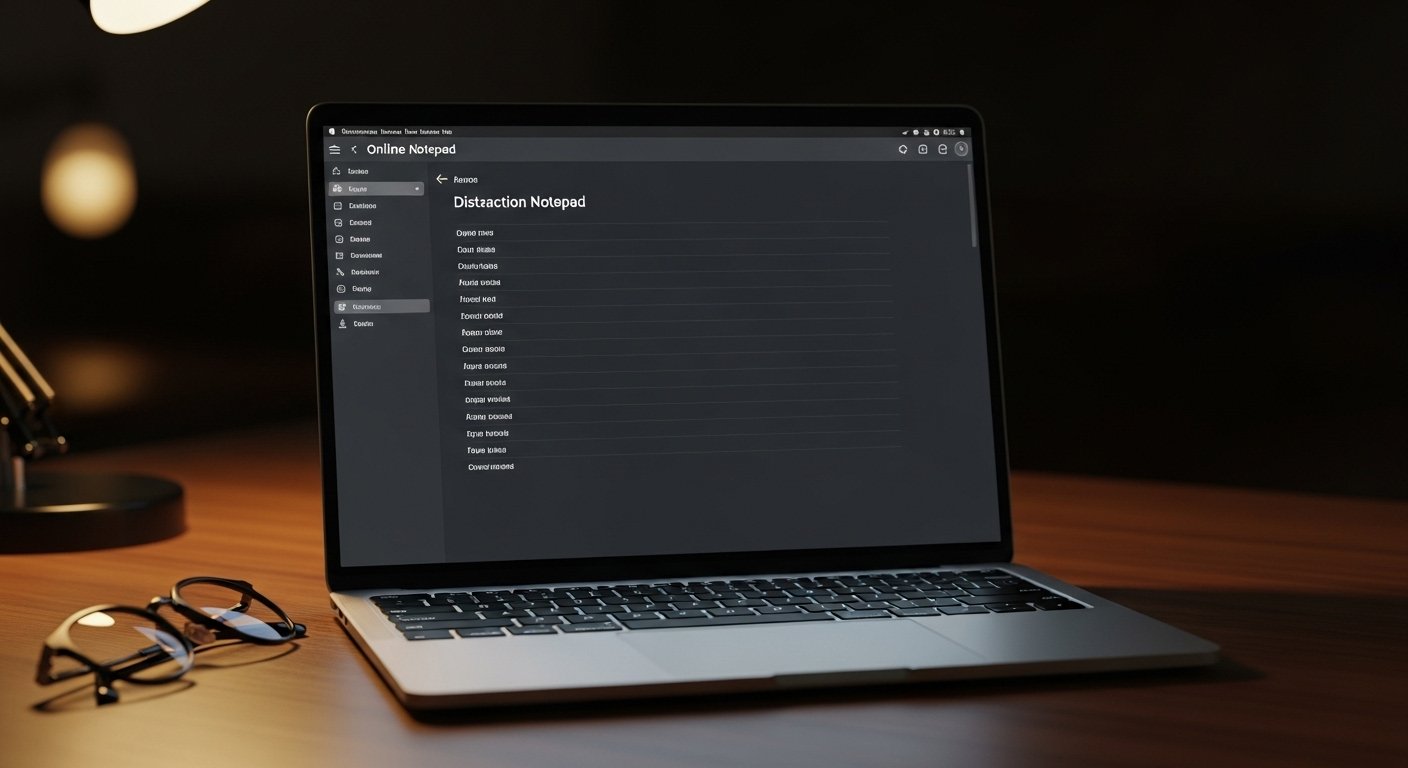
Clean, Distraction-Free Interface
Our design is simple and free from distractions. It helps you write without interruptions.
Advanced Auto-Save Technology
Our auto-save tech saves your work as you write. It gives you peace of mind.
Local Storage Security
We keep your data safe with local storage security. Your information is protected.
Offline Functionality
Work offline too. Our notepad lets you keep writing, even without the internet.
| Feature | Benefit | Advantage |
|---|---|---|
| No-Signup | Instant Access | Quick Start |
| Distraction-Free | Improved Focus | Better Productivity |
| Auto-Save | Data Security | Peace of Mind |
Essential Features of Our Online Notepad
Our online notepad is packed with features that make it a must-have for users everywhere. It’s perfect for today’s fast world, where you need to quickly access and edit your notes.
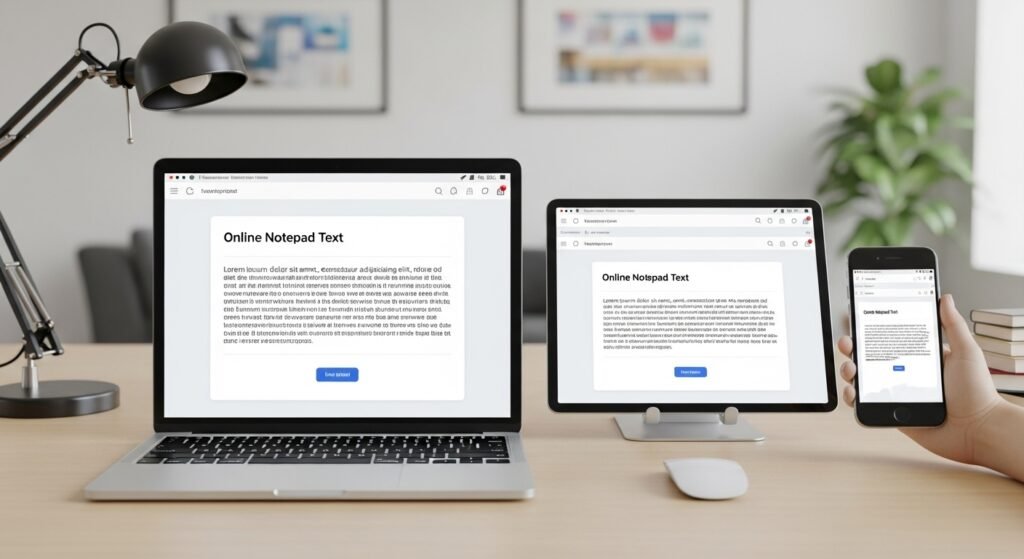
Responsive Design for All Screen Sizes
Our notepad’s responsive design means it fits any screen size. Whether you’re on a desktop, tablet, or phone, it looks great every time.
Dark Mode and Customization Options
We know you like things your way, which is why our notepad has dark mode and lots of customization options. You can make it your own, making it more enjoyable to use.
Export and Sharing Capabilities
Our notepad is more than just a place to jot down notes. It’s also great for sharing and exporting them. Here’s how:
Download as Text Files
It’s easy to save your notes as text files. This way, you can share them or keep them safe on different devices.
Print Directly from Browser
Want a paper copy? Our notepad lets you print directly from your browser. So, you’ll never lose your important notes.
Quick Copy-Paste Functionality
The quick copy-paste functionality makes it easy to move your notes to other places. It helps you work more efficiently.
| Feature | Description | Benefit |
|---|---|---|
| Responsive Design | Adapts to different screen sizes | Optimal viewing experience across devices |
| Dark Mode | Customizable interface | Enhanced user experience |
| Export and Sharing | Download, print, and copy-paste options | Easy management and sharing of notes |
Online Notepad vs. Traditional Text Editors in 2026
In 2026, the debate between online notepads and traditional text editors is heating up. The move to online tools has changed how we edit text.
Our Online Notepad has many benefits over traditional desktop apps. Let’s look at some of these advantages.
Advantages Over Desktop Applications
Our Online Notepad is super easy to access. You can use it from any device with internet. This is great for people who work on different devices.
Key benefits include:
- Cross-device compatibility
- No need for software installation or updates
- Automatic saving of work
How We Compare to Google Docs and Microsoft Word
People often compare our Online Notepad to Google Docs and Microsoft Word. Our tool is known for its simplicity and ease of use. Unlike Google Docs, our notepad is free from distractions.
“The simplicity of our Online Notepad is its greatest strength, allowing users to focus on their writing without unnecessary distractions.”
Privacy Benefits of Browser-Based Editing
Privacy is a big deal in today’s digital world. Our Online Notepad keeps your data safe with browser-based editing. It doesn’t store your data on our servers, so there’s less chance of a data breach.
A recent study found that “The use of browser-based editing tools with end-to-end encryption significantly enhances user privacy and security.”
Choosing our Online Notepad means you get a secure and private writing space. This is something traditional text editors can’t always offer.
Practical Applications for Every User
Our Online Notepad is great for anyone. Whether you’re a student, writer, or developer, it’s very useful. Its simple design and features make it perfect for many tasks.
For Students and Academic Work
Students will find our Online Notepad very helpful for academic work. It’s a quiet place for notes, essays, and organizing research. Plus, your work is always saved.
For Professional Writers and Content Creators
Professional writers and content creators will love our Online Notepad. It has a clean design that boosts creativity and productivity. It’s great for writing articles, stories, or any content.
For Developers and Code Snippets
Developers can use our Online Notepad for coding. It’s perfect for managing code snippets, writing documentation, or coding in the browser. Its simplicity doesn’t get in the way of coding.
For Everyday Tasks and Personal Notes
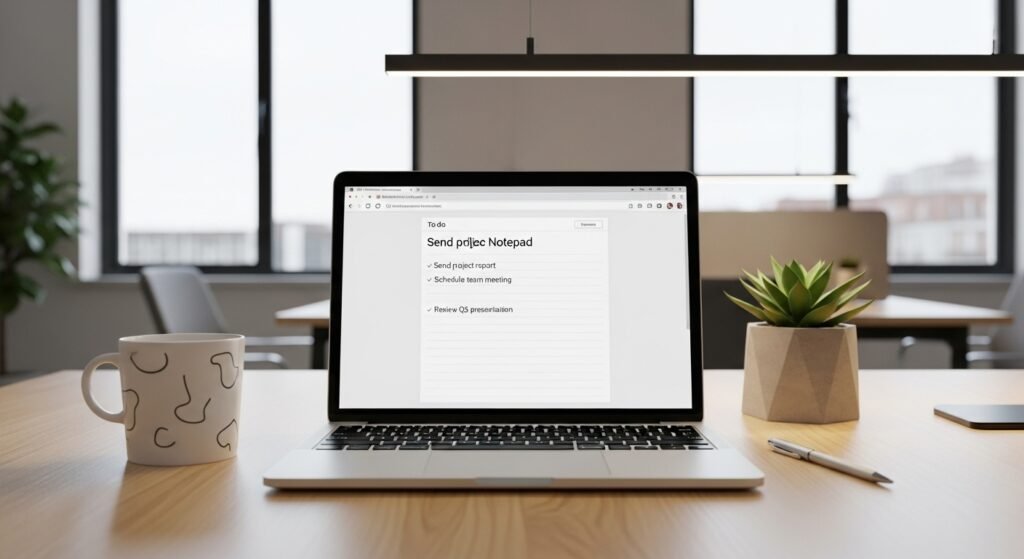
Our Online Notepad is also great for everyday tasks and personal notes. It’s like a digital memo pad. Use it for reminders, grocery lists, or any personal notes.
In short, our Online Notepad is for everyone. It’s a versatile tool that fits many needs, from school and work to personal use.
Conclusion: Embracing the Simplicity of Online Note-Taking in 2026
In 2026, the digital world is changing fast. Online note-taking is a big plus because it’s simple. Our online notepad lets you write easily, without distractions, from anywhere.
Using this tool makes taking notes and creating content easier. It has cool features like auto-save, a design that works on all devices, and options to customize. It’s great for students, workers, and anyone who needs to jot things down.
Our online notepad fits right in with 2026’s tech trends. We invite you to try it out and see how it can make your life easier.
FAQ
Is the Online Notepad really free to use?
Yes, our Online Notepad is completely free. There are no hidden costs or subscription fees. We aim to provide a simple tool for everyone.
Do I need to create an account to use the Online Notepad?
No, you don’t need to sign up or log in. Our Online Notepad is available for instant use, without any hassle.
How does the auto-save feature work?
Our Online Notepad uses advanced auto-save technology. It saves your work locally on your device. This keeps your notes safe, even without an internet connection.
Can I use the Online Notepad offline?
Yes, you can use it offline. Our auto-save feature keeps your notes safe. Just come back online to continue working.
Is my data private and secure?
We take your privacy seriously. We don’t store your notes online. This means your data is private and secure.
Can I customize the appearance of the Online Notepad?
Yes, you can customize it. We offer a dark mode to reduce eye strain during long writing sessions.
How can I export or share my notes?
You can download your notes as text files. You can also print them or copy-paste to share elsewhere.
Is the Online Notepad compatible with different devices?
Absolutely. It has a responsive design. This makes it easy to use on various devices and screen sizes.
How does the Online Notepad compare to Google Docs or Microsoft Word?
Our Online Notepad is simpler than Google Docs or Microsoft Word. It’s designed for quick note-taking and minimalistic writing.
Can I use the Online Notepad for coding snippets?
Yes, it’s great for developers. Its plain text editor is perfect for coding. You can easily copy-paste code into your projects.
2 thoughts on “Online Notepad: Free Text Editor You Can Use Anywhere In 2026”