
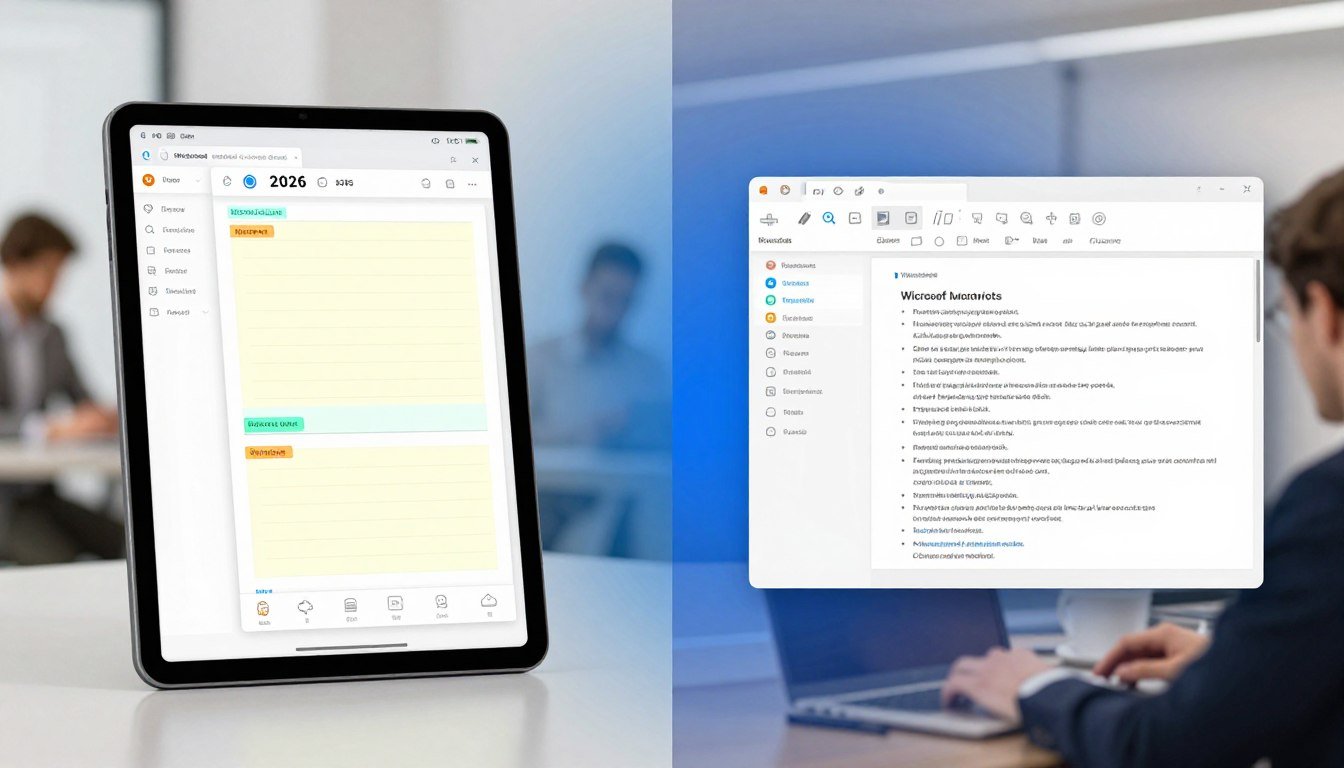
In 2026, how we write and edit documents is changing fast. Over 75% of professionals now use digital tools for note-taking and document editing. This makes choosing between online notepads and Microsoft Word more important than ever.
We have many options, each meeting different needs and likes. The debate between a simple digital notepad and the full-featured Microsoft Word is getting a lot of attention.
In this article, we’ll look at the features, benefits, and best uses for both tools. This will help you pick the right one for you.
Key Takeaways
- Understand the main differences between online notepads and Microsoft Word.
- Learn when to use each tool best.
- Discover the advantages of using a cloud notes tool for teamwork.
- Find out how to pick the right tool based on your needs.
- Explore the future of digital note-taking and document editing.
Understanding Digital Writing Tools in 2026
In 2026, knowing the digital tools we have is key for writing well and staying productive. The digital world has many tools for writing, each for different needs. Online Notepad and Microsoft Word are two big ones.
What is an Online Notepad?
An Online Notepad is a simple text editor on the web. It lets you write and save notes fast. It’s great for jotting down quick ideas without fancy formatting. You can use it from any web browser, making it easy to use on the go.
What is Microsoft Word in 2026?
Microsoft Word is a powerful tool for making and editing documents. It has grown a lot since it started. In 2026, it offers advanced features like detailed formatting and teamwork tools. It’s part of Microsoft 365, making it a top choice for professional documents.
Key Differences at a Glance
Online Notepad and Microsoft Word are different in what they do. Here’s a quick look at their main differences:
| Feature | Online Notepad | Microsoft Word |
|---|---|---|
| Purpose | Basic note-taking | Comprehensive document creation and editing |
| Formatting Options | Limited | Advanced |
| Collaboration | Basic | Advanced, with real-time co-authoring |
| Cost | Often free | Part of Microsoft 365; subscription-based |
The table shows Online Notepad is simple and easy to use. But Microsoft Word has more features for complex documents.
Online Notepad Evolution and Capabilities
The digital writing world is changing fast. Online notepads now offer many features. They meet different needs, making them key for daily writing tasks.
From Simple Text Editors to Cloud-Based Solutions
Online notepads have grown from simple text editors. Now, they are cloud-based solutions with features like real-time collaboration. They’ve changed how we manage quick notes, daily notes online, and study notes.
Cloud-based notepads let users access notes from anywhere. This is great for personal notes and coding notes. They sync across devices, so you can pick up where you left off, no matter the device.
Popular Online Notepad Options in 2026
In 2026, many online notepads are available. Each has its own features and benefits. Some top choices include:
- Google Keep: Simple and integrates with Google services.
- Evernote: Offers tagging, searching, and organization.
- Simplenote: Focuses on plain text editing.
- Notion: Combines note-taking with project management.
These options meet various needs, from basic text editor online to complex web text editor needs.
Accessibility and Cross-Platform Features
Online notepads are great because they’re cross-platform. You can edit text online, write text online, and copy paste text on different devices. This is key for those who work in different places or with others.
| Feature | Google Keep | Evernote | Simplenote | Notion |
|---|---|---|---|---|
| Cross-Platform | Yes | Yes | Yes | Yes |
| Collaboration | Limited | Yes | No | Yes |
| Formatting Options | Limited | Advanced | Plain Text | Advanced |
Security and Privacy Considerations
Online notepads raise security and privacy concerns. It’s important to know how your chosen notepad protects your data. Look for encryption and secure data centers before storing sensitive info.
“The security of your data is paramount. Always look for services that offer end-to-end encryption and transparent data handling practices.” – Digital Security Expert
Understanding online notepads’ evolution, capabilities, and security is key. This helps users choose the right tool for 2026.
Microsoft Word in 2026: Advanced Features
Microsoft Word is getting better in 2026. It now has advanced features for making documents and working together. These include better document handling, teamwork tools, AI help for writing, and working well with Microsoft 365.
Document Processing and Formatting Capabilities
Microsoft Word’s new features make it easier to work with documents in 2026. You can now format documents better, track changes easily, and navigate documents more smoothly. For example, the Styles pane lets you control formatting better. The Track Changes feature makes editing together easier.

Collaboration and Cloud Integration
Microsoft Word 2026 makes working together easier than ever. You can edit documents with others in real-time. Changes show up right away for everyone. It also works well with Microsoft’s cloud storage, OneDrive, so you can access documents from anywhere.
AI-Powered Writing Assistance
The new Microsoft Word has AI tools to help with writing. It suggests better grammar, style, and spelling. The AI Editor tool gives feedback on sentences, word choice, and tone. It’s a big help for writers.
Integration with Microsoft 365 Ecosystem
Microsoft Word now works better with Microsoft 365 in 2026. This makes your work flow smoother. You can start video meetings with Microsoft Teams or open Excel and PowerPoint files right in Word.
| Feature | Description | Benefit |
|---|---|---|
| Advanced Formatting | Improved styles management and track changes | Professional-looking documents |
| Real-time Co-authoring | Simultaneous editing with multiple users | Enhanced collaboration |
| AI Writing Assistance | Grammar, style, and spell checking | Improved writing quality |
| Microsoft 365 Integration | Access to various Microsoft tools and services | Cohesive workflow |
Comparing Use Cases: When to Choose Each Tool
Knowing when to use an Online Notepad versus Microsoft Word can boost your productivity in 2026. Each tool has its own purpose and meets different needs.
Best Scenarios for Using Online Notepad
Online Notepads are great for when you need something simple and fast. They’re perfect for jotting down ideas or saving temporary text.
Quick Note-Taking and Simple Text Editing
For quick note-taking and simple text editing, Online Notepads are easy to use. They offer a clean interface for capturing thoughts fast. This makes them a top choice for an online note platform.
Cross-Device Accessibility Without Software Installation
Online Notepads are also great because they’re accessible on any device with internet. You can access your notes from anywhere, without installing software. This makes them a versatile online note platform.
Best Scenarios for Using Microsoft Word
Microsoft Word is better for tasks that need more complexity and advanced features. It’s great for professional documents and academic papers.
Complex Document Creation and Formatting
For complex document creation and detailed formatting, Microsoft Word is the way to go. It has many tools for creating polished documents. This includes advanced formatting options and templates, making it ideal for professional and academic writing.
Professional and Academic Writing
In professional and academic contexts, Microsoft Word’s features are unmatched. It supports collaborative work and is widely used in document processing.
Pricing and Cost Considerations
Online Notepads are often free or low-cost, making them a budget-friendly option for basic note-taking. Microsoft Word, part of the Microsoft 365 suite, can be expensive. This is true for individuals or small businesses not subscribed to the service.
| Feature | Online Notepad | Microsoft Word |
|---|---|---|
| Cost | Free/Low-Cost | Part of Microsoft 365 Suite |
| Complexity | Simple | Advanced |
| Accessibility | Cross-Device | Cross-Device (with Microsoft 365) |
Hybrid Workflows: Using Both Tools Together
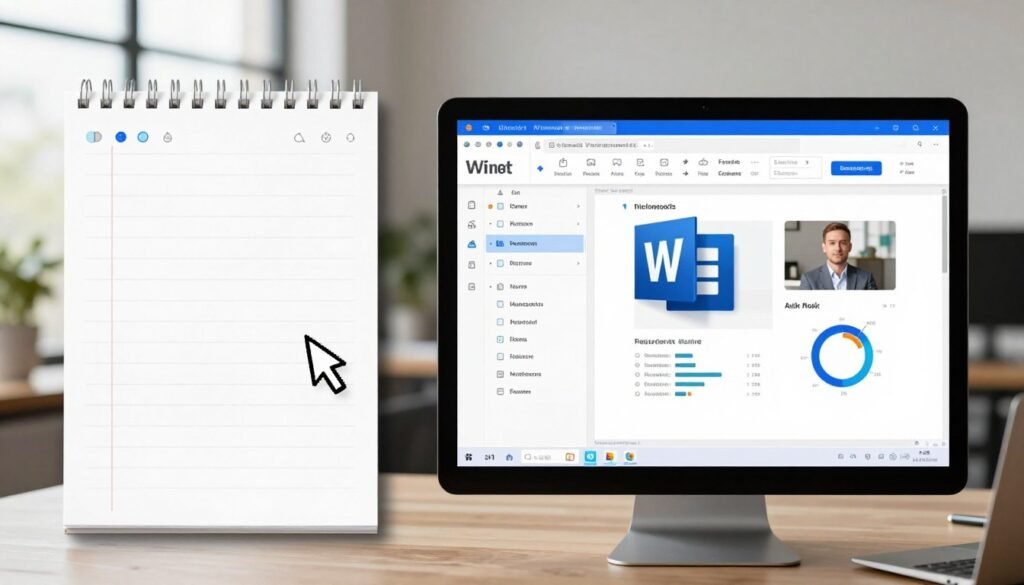
Using both Online Notepad and Microsoft Word can boost productivity. For example, use an Online Notepad for brainstorming and then move the content to Microsoft Word for detailed work.
By knowing the strengths of each tool, you can choose the right one for the task. Use an Online Notepad for quick, simple tasks. Use Microsoft Word for complex document creation and professional writing.
Conclusion: Making the Right Choice for Your Needs
In 2026, picking between an Online Notepad and Microsoft Word depends on what you need. For fast notes, an instant access notepad is great. But for complex documents and teamwork, Microsoft Word is the way to go.
For simple tasks, a memo pad online works well. But for detailed office work, Microsoft Word is better. If you want a notepad without login, Online Notepad is easy to use. Knowing your needs helps you choose the right tool for better writing.
Think about what you need: easy access, security, and teamwork features. Whether you need quick notes or detailed documents, both tools are essential in our digital world.
FAQ
What is the main difference between an Online Notepad and Microsoft Word?
An Online Notepad is for simple notes and text edits. Microsoft Word is for creating, editing, and sharing documents. It has more features.
Is an Online Notepad free to use?
Yes, most Online Notepads are free. Some offer extra features for a fee. They’re easy to use without software or accounts.
Can I access Microsoft Word online?
Yes, you can use Microsoft Word online with Microsoft 365. It lets you edit documents in your browser. This makes sharing and working together easy.
Which tool is more suitable for academic writing?
Microsoft Word is better for school work. It has tools for citations, formatting, and teamwork. These are great for big projects and papers.
Can I use an Online Notepad on multiple devices?
Yes, Online Notepads work on any device with the internet. You don’t need to install software.
How does Microsoft Word’s AI-powered writing assistance work?
Microsoft Word’s AI helps with grammar, style, and ideas. It makes your writing better and more polished.
Are Online Notepads secure?
Most Online Notepads are safe with encryption and secure servers. But, always check their security features.
Can I collaborate with others using an Online Notepad?
Some Online Notepads have basic sharing features. But, Microsoft Word is better for working together. It lets you edit and comment in real time.
What are the benefits of using a hybrid workflow with both Online Notepad and Microsoft Word?
Using both tools can make you more productive. Use an Online Notepad for quick notes and Microsoft Word for detailed documents.