
In today’s world, taking notes is key for both personal and work life. We use notepads to write down ideas, reminders, and key info. With digital tech growing, online notepads have become a popular choice over traditional ones.
The debate on using an online text editor versus a traditional notepad is interesting. Some like writing on paper, while others prefer the ease of a browser notepad. As we look ahead to 2026, it’s important to see which notepad is better for us.
We’ll look at the good and bad of each option. We’ll consider things like how easy they are to use, their features, and what users like. This comparison will show us which notepad is better for our fast-paced lives.
Key Takeaways
- Digital note-taking tools are changing how we capture info.
- Traditional notepads give a hands-on feel that many like.
- Online notepads are flexible and easy to use on many devices.
- What users prefer is a big factor in choosing between online and traditional notepads.
- Comparing online and traditional notepads will show their benefits.
The Evolution of Note-Taking Tools
Note-taking tools have changed a lot over the years. This change is due to our evolving needs and new technology. As we look back, it’s clear that note-taking has grown a lot. This growth is thanks to cultural changes and new tech.
Traditional Notepads Through the Decades
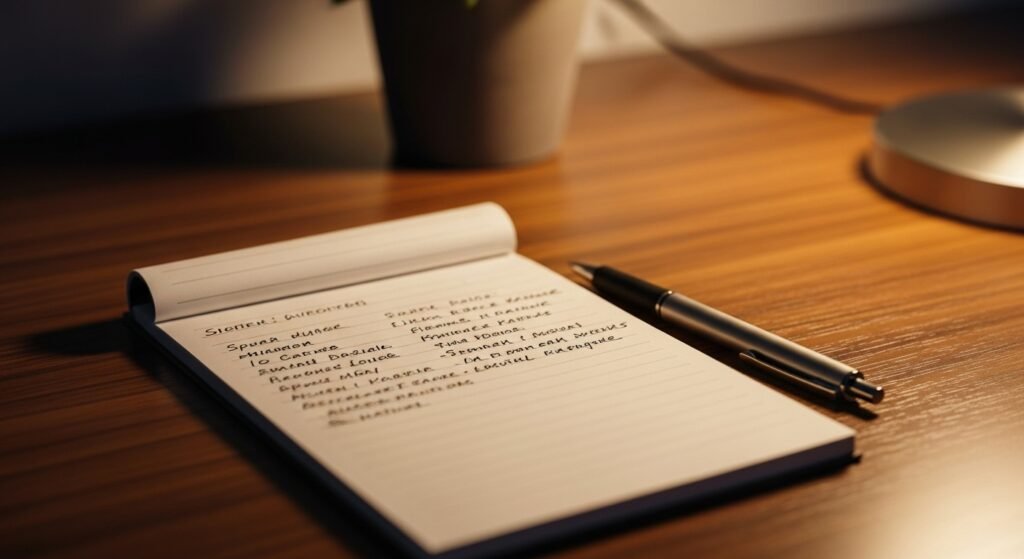
For centuries, traditional notepads have been key for taking notes. They’ve evolved from simple notebooks to planners with calendars and to-do lists. The feel of writing on paper is still loved by many. It gives a real connection to our thoughts and ideas.
The Digital Transformation of Note-Taking
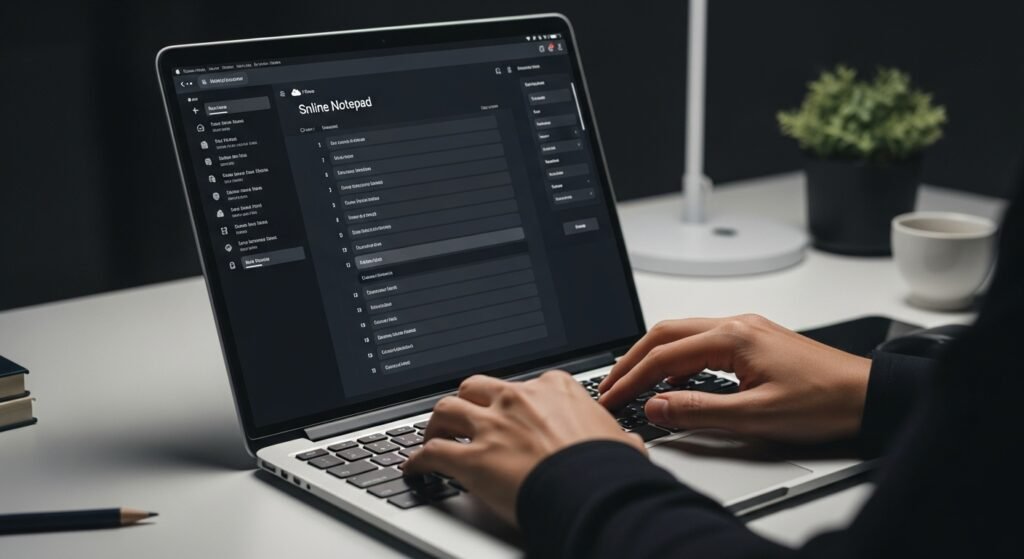
Digital technology changed note-taking a lot. Online tools and digital notepads let us write notes online and use them on different devices. This change made note-taking more flexible and easy to use, letting us sync notes across devices.
The 2026 Note-Taking Landscape
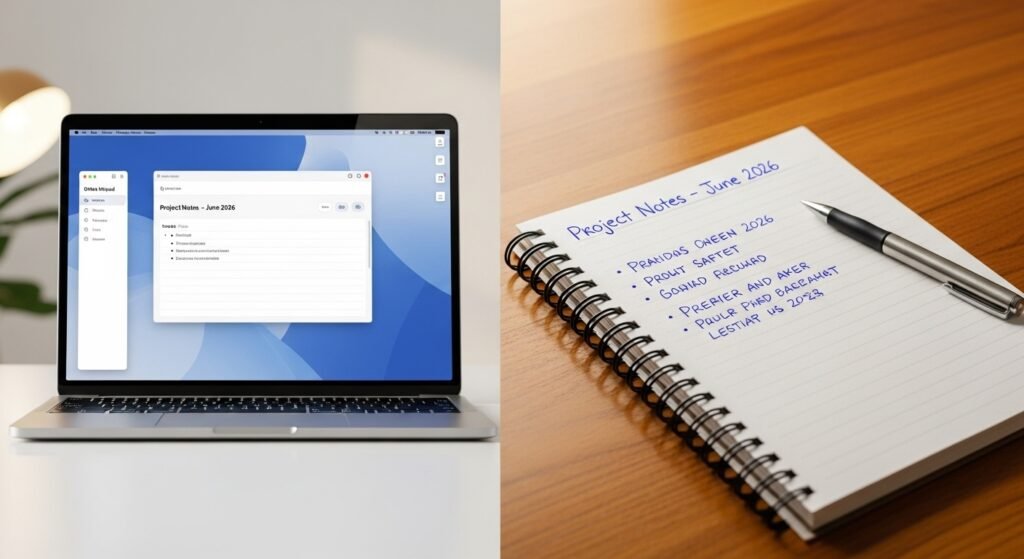
In 2026, note-taking will mix old and new ways. Some will still like writing on paper, while others will prefer digital tools. This mix is shown in the table below:
| Feature | Traditional Notepads | Online Notepad |
|---|---|---|
| Accessibility | Offline access | Online access across devices |
| Organization | Manual indexing | Smart search and tagging |
A productivity expert said, “The future of note-taking is combining old and new ways.” This mix will keep changing, giving users many choices based on what they like and need.
Online Notepad Features and Capabilities in 2026
In 2026, online notepads have become much more than just simple tools. They have evolved into powerful productivity tools. These tools offer a wide range of features to meet different user needs. They are now a key part of both personal and professional work.
Accessibility Across Devices and Platforms
One major feature of online notepads in 2026 is their ability to work on many devices and platforms. Users can easily access their notes from anywhere, at any time. They can use their favorite device to do so.
Mobile and Desktop Integration
Now, online notepads offer seamless integration between mobile and desktop devices. This means users can switch between devices easily. Their notes stay synchronized and up-to-date on all devices.
Offline Functionality Advancements
Online notepads have also improved in offline functionality. Users can now access and edit their notes even without internet. Automatic synchronization happens when the device connects to the internet again. This ensures notes are always current.
Smart Organization and Search Capabilities
Online notepads in 2026 have advanced organization and search features. They make it easier to manage notes. With tagging, categorization, and robust search functions, finding specific notes is quick and easy.
Cloud Synchronization and Backup Solutions
Cloud synchronization is a key feature of online notepads. It ensures notes are backed up and accessible from anywhere. Automatic backup solutions add an extra layer of security, protecting against data loss.
Privacy Features and Data Protection
Online notepads in 2026 focus on user privacy and data protection. They offer end-to-end encryption, two-factor authentication, and secure data centers. These features protect user data from unauthorized access.
| Feature | Description | Benefit |
|---|---|---|
| Mobile and Desktop Integration | Seamless integration across devices | Enhanced productivity and flexibility |
| Offline Functionality | Access and edit notes offline | Uninterrupted workflow |
| Smart Organization and Search | Advanced tagging and search capabilities | Efficient note management |
| Cloud Synchronization and Backup | Automatic backup and synchronization | Data security and accessibility |
| Privacy Features | End-to-end encryption and two-factor authentication | Enhanced data protection |
Traditional Notepads: Enduring Advantages in a Digital Age
Online notepads have changed how we take notes. But traditional notepads still have special benefits. It’s important to see their value in our digital world.
One key benefit is the cognitive advantages of handwriting. Studies show that writing by hand helps us remember and understand better.
The Cognitive Benefits of Handwriting
Handwriting notes boosts our brain power. It helps us remember things better. This is because handwriting makes us think slower, helping us learn and remember.
Handwriting also makes learning stick by using more senses. We’re not just writing; we’re engaging with the information deeply.
Technology-Independent Reliability
Traditional notepads are reliable, no matter the tech. They don’t need batteries or internet. This makes them perfect for places where tech fails.
They also let us be creative. We can draw, doodle, or write freely. This is great for brainstorming or art.
In short, traditional notepads offer unique benefits. They help our brains and are always ready to use. As we live in a digital world, we should value these old-school tools.
Head-to-Head Comparison: Online Notepad vs Traditional Methods
To find out which notepad is best in 2026, we need to look at several areas. We’ll compare online notepads and traditional ones in speed and efficiency, organization and retrieval, creativity and thought process, and adaptability.
Speed and Efficiency Analysis
Online notepads are faster and more efficient. You can type quickly and access your notes from any device. A productivity expert said, “The digital age has changed note-taking, with online notepads offering speed and convenience traditional methods can’t match.“
But traditional notepads have their own benefits. Many people remember information better when they write it down. This shows the importance of considering where and how you take notes.
Organization and Retrieval Capabilities
Online notepads are great at organizing and finding notes. They have features like tagging, searching, and syncing to the cloud. A study found, “Digital note-taking tools offer advanced features that make finding and reviewing notes easier.“
Traditional notepads need manual organization, like indexing or using separate notebooks. While these methods work, they’re slower and less efficient than digital tools.
Creativity and Thought Process Impact
How they affect creativity and thought processes is important. Handwriting notes can boost creativity and improve thinking. An artist said, “
The act of putting pen to paper allows for a freedom of expression that digital tools often can’t replicate.
“
Online notepads, on the other hand, have multimedia and collaboration tools. These features can make note-taking more engaging and creative.
Adaptability to Different Work Environments
Adaptability to different work settings is also key. Online notepads can be used anywhere, on any device. They offer flexibility that traditional notepads can’t match.
Traditional notepads, though, don’t need technology or internet. They’re reliable when digital devices fail. A professional said, “There’s still a place for traditional notepads, in places where technology isn’t feasible or reliable.“
Conclusion: Choosing the Right Note-Taking Solution for 2026 and Beyond
Choosing between online notepads and traditional notepads depends on what you need. Online notepads offer easy access and smart organization. Traditional notepads give a tactile experience and are reliable.
Think about what you need when picking a note-taking tool. Online notepads are great for flexibility and teamwork. Traditional notepads are perfect for those who love writing by hand and don’t need tech.
The future of note-taking looks exciting. Online notepads will get smarter with AI and better privacy. Traditional notepads will improve in design and materials, offering new looks and feels.
The best note-taking tool is one that fits your style and needs. Knowing the strengths and weaknesses of both types helps you choose wisely. This choice will boost your productivity and creativity in 2026 and beyond.
FAQ
What is an online notepad, and how does it differ from a traditional notepad?
An online notepad is a digital tool for writing, editing, and storing notes online. Traditional notepads are physical notebooks for handwritten notes. Online notepads have features like auto-save and cloud syncing, making them accessible on any device.
Is my data secure when using an online notepad?
Yes, our online notepad has strong privacy features and data protection. This includes encryption and secure servers to keep your data safe.
Can I access my online notepad offline?
Many online notepads, including ours, let you work offline. You can access and edit your notes offline. They sync automatically when you’re back online.
How do online notepads handle organization and search?
Online notepads have smart organization and search tools. You can find notes easily using keywords, tags, or folders.
Can I use an online notepad on my mobile device?
Yes, our online notepad works well on mobile devices. You can access and edit your notes on smartphones and tablets. It works seamlessly across devices.
Do I need to create an account to use an online notepad?
Some online notepads need an account. But ours lets you start taking notes right away. You can create an account later for cloud syncing.
How do online notepads compare to Google Docs or Microsoft Word?
Online notepads are simple for quick note-taking. Google Docs and Microsoft Word are better for longer documents and teamwork.
Can I export my notes from an online notepad?
Yes, you can download your notes as text files or copy-paste them. It’s easy to move or backup your data.
Are online notepads ad-supported or ad-free?
Our online notepad is ad-free. It offers a clean writing space. We don’t collect or share your data for ads.